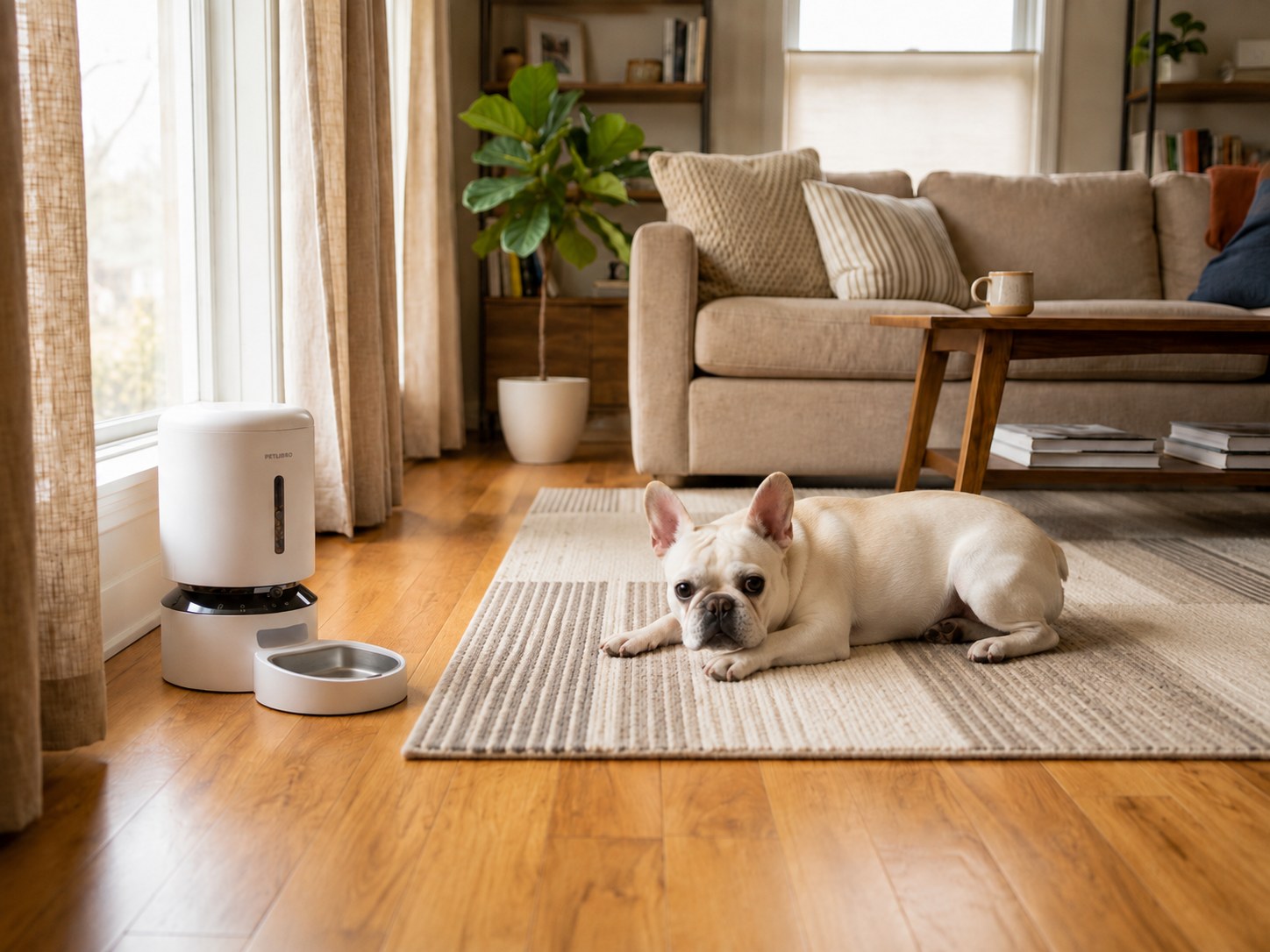
A smart pet feeder is four systems wearing one plastic coat: a clock and meal schedule, a motor, a power source, and an internet-connected app. When everything cooperates, it looks like one tidy appliance. When something fails, ask a more useful question than “Is it offline?” Ask which part went missing.
Lost Wi-Fi may remove remote controls, notifications, account syncing, and camera access while a locally stored schedule continues. A power outage may stop the motor even though the cloud remembers every meal. If the feeder uses batteries, it may keep dispensing but disable high-power features. These are different failure modes and should be tested separately.
The best app controlled pet feeder is therefore not the one with the longest feature list. It is the one whose offline behavior you understand before the router chooses dinner time for a firmware meditation.
Where the Schedule Lives
Some feeders transfer meal times to local memory inside the unit. Once saved, those instructions can continue without an active internet connection. Other functions—remote manual feeds, schedule changes, notifications, video, and history syncing—still depend on Wi-Fi and the provider’s servers.
Do not infer local storage from a phrase such as “automatic schedule.” Look for explicit documentation, then test. Program several meals, confirm they appear on the feeder, disconnect the router, and wait for the next event. Reconnect afterward and check whether the app’s history matches what physically happened.
Wi-Fi Loss and Power Loss Are Not the Same
| Failure | What may continue | What commonly stops | What to verify |
|---|---|---|---|
| Router or internet outage | Locally stored meal schedule, clock, motor | Remote changes, alerts, live video, cloud history | Does the next programmed meal dispense? |
| Wall-power outage with batteries | Schedule and dispensing, depending on model | Camera, Wi-Fi, display brightness, some alerts | Do batteries run the motor and preserve settings? |
| Wall-power outage without backup | Possibly stored settings only | Dispensing and connected functions | Does the schedule survive after power returns? |
| Cloud or app-service outage | Local feeding may continue | Login, syncing, remote controls, notifications | Can the feeder complete the existing schedule? |
An app showing the schedule does not prove the motor has power. A battery icon does not prove the camera remains available. Separate the layers.
What the App Is Good At
Schedule Changes
Apps make a complicated week easier to edit than a tiny three-button display. They can also show several daily meal events clearly. After every change, confirm the feeder received it; a schedule saved on the phone but not synced to the unit is just an organized wish.
Manual Dispensing
A remote feed button can help when plans change, but it is easy to create duplicate meals if another household member already fed the pet. Use shared account access or a simple communication rule, and check the physical bowl when possible.
Alerts and History
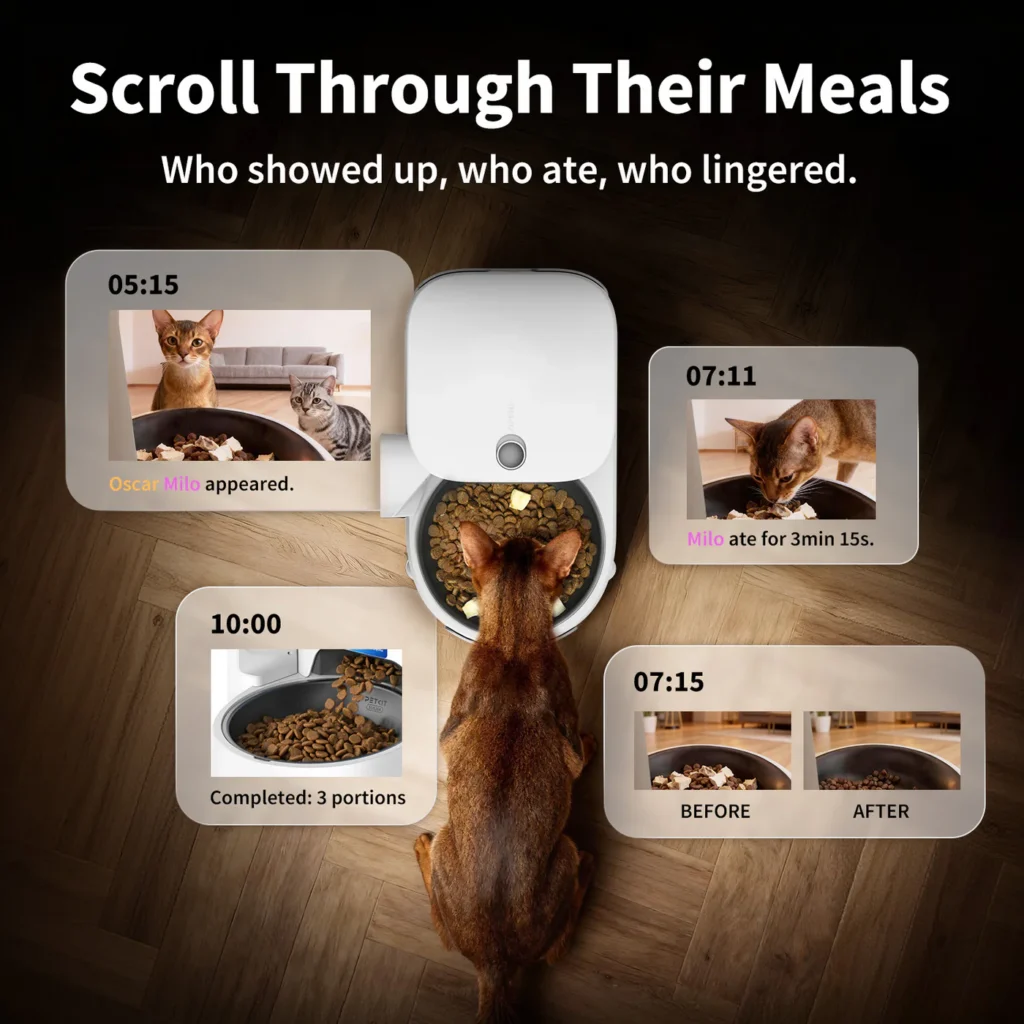
Low-food, jam, offline, and meal-complete alerts can be useful signals. Their wording often reflects what a sensor detected—not what the pet consumed. A “meal served” event may mean the motor completed a turn.
Camera Access
On camera-equipped models, the app can provide live view, clips, or motion events. Those features have additional privacy, storage, and bandwidth considerations. Our guide to an automatic pet feeder with camera explains what the view can and cannot confirm.
Three Smart-Feeder Ecosystems
Petlibro
Petlibro automatic feeder models span standard Wi-Fi hoppers, camera models, wet-food cooling, and RFID access. That breadth makes the app relevant to several feeding jobs, but exact features vary by model. Verify whether the chosen unit stores schedules locally, which Wi-Fi band it supports, and what battery operation includes.
Petlibro is the strongest fit when you want to choose among several specialized feeder formats without leaving the same brand ecosystem. Check Petlibro’s current smart-feeder lineup for model-specific app and backup details.
PETKIT
PETKIT Fresh Element Solo Automatic Feeder is the relevant app-control example here: a single-bowl dry-food schedule without turning camera features or a second hopper into evidence about offline behavior.
Ecosystem convenience is not a substitute for failure testing. Confirm what happens when the account cannot reach the cloud and whether scheduled feeding remains local. Review PETKIT’s current feeder catalog and the manual for the exact unit.
Oneisall
Oneisall Single Bowl Automatic Cat Feeder with App Control is the relevant Oneisall lane. First-party instructions distinguish local feeding from remote control: the programmed schedule can continue on battery power while the app is unavailable until the feeder is plugged in.
That is graceful fallback, not full offline smart control. Choose the current Oneisall single-bowl app feeder only after testing its local schedule and battery behavior.
Wi-Fi Compatibility Without the Drama
Many pet feeders connect on 2.4 GHz Wi-Fi because it reaches farther and suits low-bandwidth devices. A dual-band router may use one combined network name, which sometimes complicates setup. Follow the feeder’s current instructions rather than permanently weakening network security to make pairing easier.
Place the feeder where the signal is stable, but remember that signal strength only affects connected functions. The feeding plan should not depend on flawless coverage unless the manufacturer explicitly designed it that way and you accept that dependency.
Battery Backup Has Boundaries
Check four details:
1. Are backup batteries included or purchased separately? 2. Do they power actual dispensing or only preserve the clock? 3. Are camera and Wi-Fi functions disabled on battery? 4. Does the feeder return to normal automatically when AC power resumes?
Use the battery type and replacement schedule specified by the manufacturer. Remove leaking or damaged batteries safely. If the feeder will be unattended, test a real transfer from wall power to backup before departure.
The Pre-Trip Offline Test
Run this at least several days before travel:
1. Update the app and feeder firmware while you still have time to recover from surprises. 2. Load the exact food and measure repeated portions. 3. Confirm the clock, time zone, and every scheduled event. 4. Turn off the router and observe the next meal. 5. Restore Wi-Fi and check reconnection and history syncing. 6. Interrupt wall power with approved backup batteries installed. 7. Confirm the motor works and the schedule survives. 8. Check that alerts reach the correct household members. 9. Clean the hopper outlet and bowl. 10. Give an in-person backup clear instructions and access.
For the dispensing mechanics behind these tests, read How Automatic Pet Feeders Work: Timers, Portions, Sensors, and Jams.
Frequently Asked Questions
Will a smart pet feeder work without Wi-Fi?
Many models continue a schedule stored locally while remote features stop, but behavior varies. Confirm the documentation and perform an offline test with the exact feeder.
Can I change the schedule while the feeder is offline?
Usually not through the remote app. Existing local instructions may continue, while new changes wait for reconnection or require controls on the unit.
Does battery backup keep a Wi-Fi pet food dispenser online?
Not necessarily. Batteries may power the clock and motor without supporting Wi-Fi or a camera. Internet service also needs its own power and connection.
Are app feeding records proof that my pet ate?
No. They may confirm a command or dispensing event. They do not prove which pet ate or how much remained in the bowl.
The Bottom Line
A smart pet feeder becomes trustworthy only after you know which instructions live on the device, which features live in the cloud, and what the batteries actually power. Petlibro, PETKIT, and Oneisall all offer app-controlled options, but the motor and food path still matter more than the prettiest dashboard.
Begin with the Complete Guide to Automatic Pet Feeders for Dogs and Cats, or use Best Automatic Dog Feeders: Picks for Small and Large Dogs when bowl fit and meal output are the deciding constraints. Then test Wi-Fi loss and power loss as two separate events. Offline is not one thing, and breakfast should not be your first experiment.