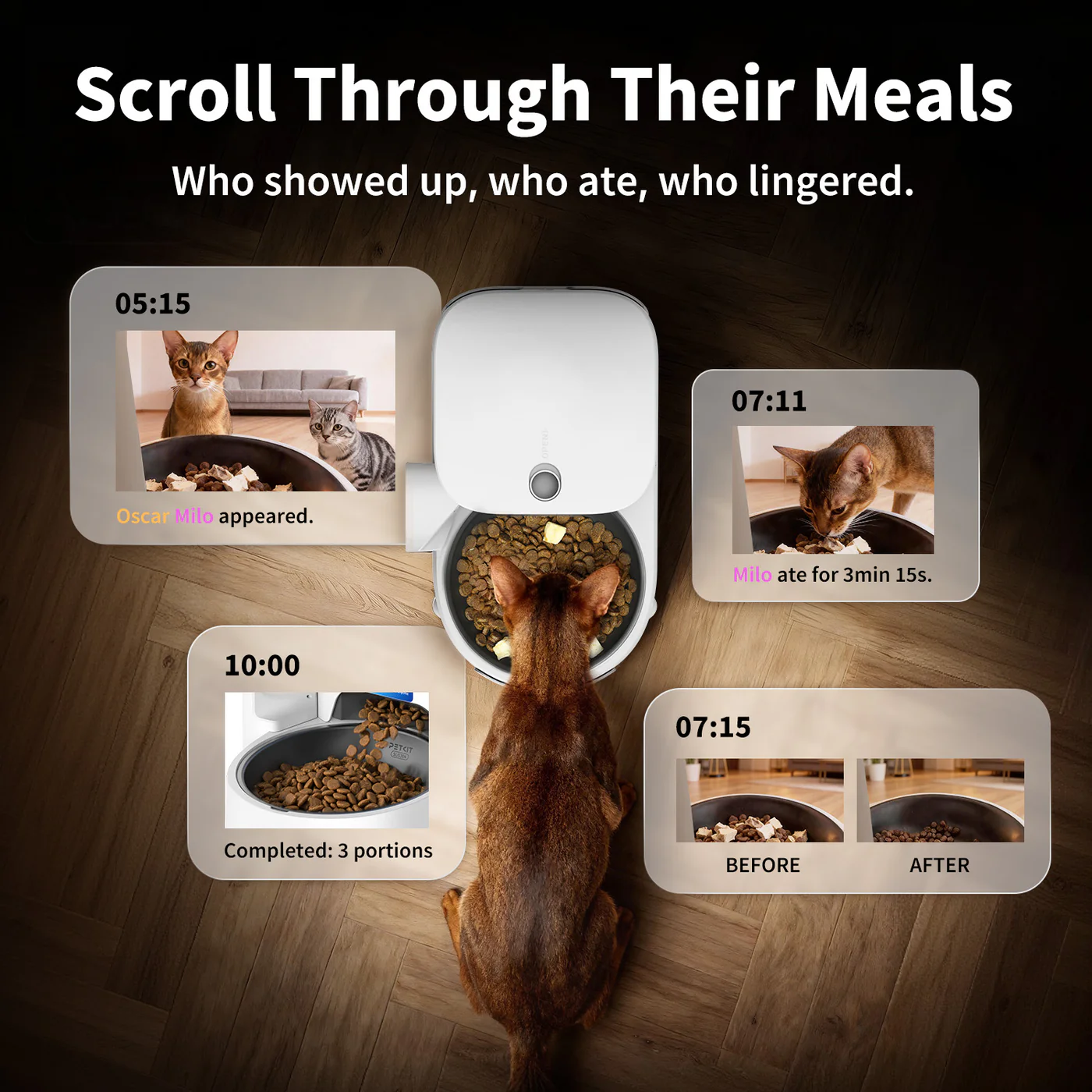
An automatic pet feeder with camera can answer a useful set of small questions. Is food visible near the bowl? Did the dog arrive at the usual time? Did the cat pause, sniff, and leave? Did another pet treat the scheduled meal as an open invitation?
Those observations can improve a routine. They can reveal a bad camera angle, a pet who dislikes the bowl, a dispensing problem, or a multi-pet setup that works only when a human referee is present. What video cannot do is turn a feeder into a sitter, diagnose a health problem, prove that the full programmed portion was delivered, identify the eater with certainty, or measure how much the intended pet consumed.
This guide covers full-meal camera feeders: dry-food hoppers that schedule meals and include a view of the feeding area. Treat-tossing cameras and reward dispensers are a different category. A snack launched across the living room is entertaining. It is not dinner.
What the Camera Can Confirm
Food Appeared
A clear view may show food reaching the visible part of the bowl. That is more useful than an app notification alone because “motor activated” and “food appeared on camera” are not identical events. It still cannot prove that the full programmed portion arrived or that nothing remained in the chute. Position the camera so the chute and most of the bowl remain visible after the pet steps in.
The Pet Approached
Repeated clips can show whether a pet comes promptly, arrives late, or stops visiting the feeder. A pattern matters more than one missed appearance. If appetite or behavior changes, contact your veterinarian rather than asking the replay to practice medicine.
Another Pet Interfered
In shared homes, camera footage can reveal bowl swapping, crowding, guarding, or a dog waiting for the cat to activate a nearby station. That evidence helps you change placement or choose protected access. It does not stop the theft by itself.
The Setup Needs Work
You may notice glare, poor night visibility, a bowl pushed out of position, or a feeder that slides when nudged. Monitoring is most valuable when it leads to a practical adjustment.
What the Camera Cannot Prove
Even a sharp camera does not automatically know which similar-looking cat appeared, how much food was swallowed, whether food remains hidden under the bowl lip, or why a pet walked away. Some apps offer motion events or short clips; those are records of activity, not complete intake data.
Privacy also belongs in the decision. Check whether live view or recordings require a cloud account, whether clips are stored locally or remotely, who can access the account, and whether two-factor authentication is available. Place the feeder where it sees the feeding station rather than the entire private life of the household.
Three Full-Meal Camera Feeder Lanes
Petlibro Granary Camera Feeders
Petlibro automatic feeder camera models pair scheduled dry-food dispensing with app controls and a bowl-facing view. They make sense for owners who want a polished, integrated system and are prepared to test portion output, offline scheduling, notifications, and the camera angle separately.
For one pet, the footage can confirm arrival and dispensing. For two compatible pets, Petlibro’s Granary 2 Vision Duo adds a shared two-bowl format. The dual bowls still do not identify pets or guarantee equal portions. Check Petlibro’s current camera-feeder configurations for the exact view, storage, and model features.
PETKIT Camera Feeder Models
PETKIT YumShare Solo 2 Automatic Feeder with Camera is the single-hopper monitoring lane. PETKIT YumShare Dual-hopper 2 Automatic Feeder with Camera adds a second food reservoir. The second hopper is not a second bowl, protected access, or an individualized feeding system.
Check the exact product rather than assuming the two camera models share the same storage or backup behavior. Test what continues when the internet fails, because a video stream and a locally stored meal schedule have different dependencies. Review PETKIT’s current feeder catalog to confirm the live model.
WOpet Camera Feeders
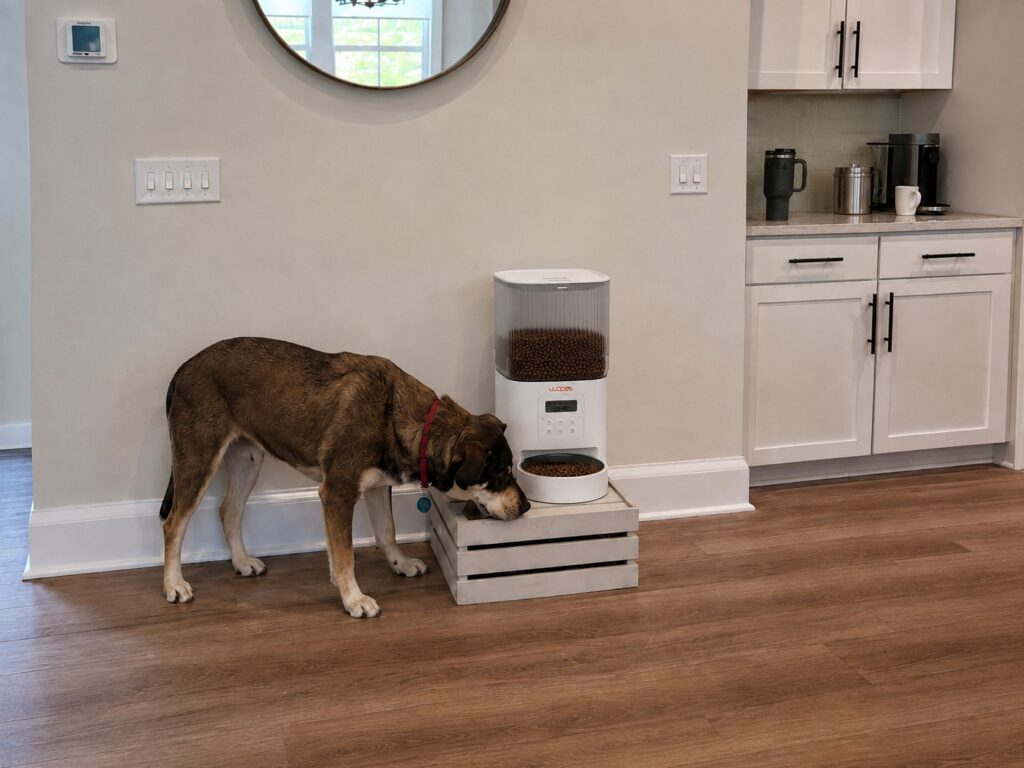
WOpet Heritage View Automatic Pet Feeder with Camera, Dual Bowls is the governed WOpet example here. It is relevant to two compatible pets sharing one food and schedule; its two bowls do not identify either pet, enforce equal portions, or create selective access.
WOpet names and configurations can be similar, so verify that the product is the Heritage View automatic meal feeder with camera and dual bowls—not a treat device or a neighboring Heritage variant.
Camera Placement Is a Feature
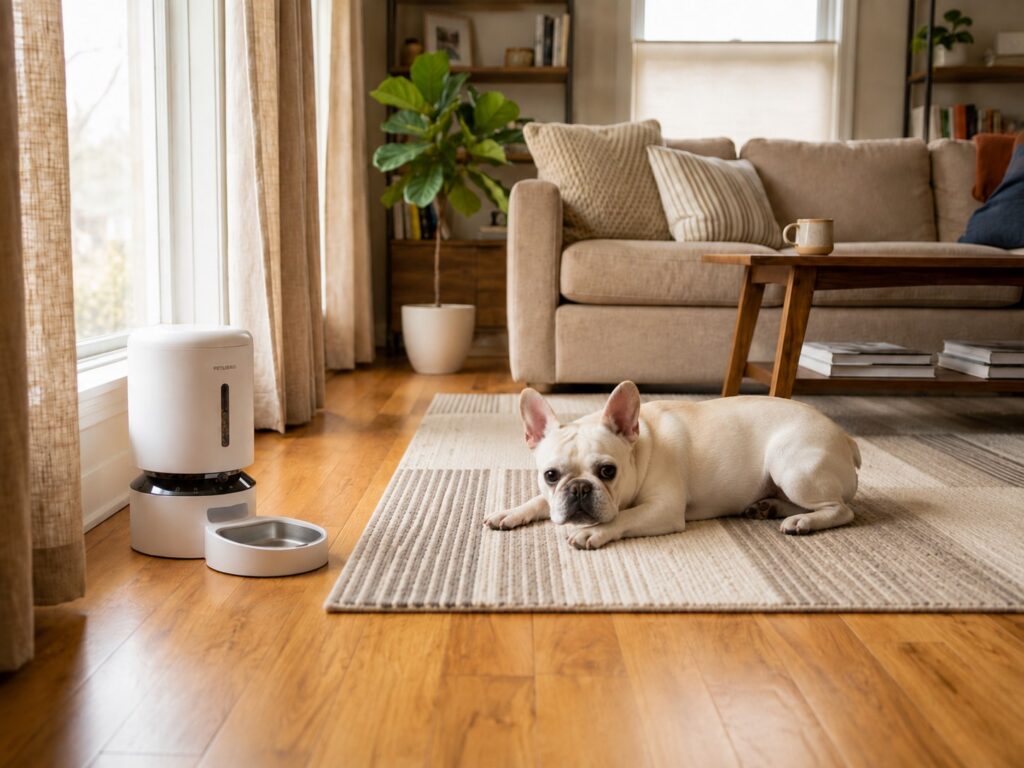
A camera cannot monitor what it cannot see. Set the feeder on a level surface with steady lighting and enough open space for the pet to approach naturally. Then review clips from the pet’s actual position.
For cats, a low bowl view may be blocked by the head and shoulders. For large dogs, a high muzzle can fill the frame. A slightly wider angle that includes the chute, bowl, and floor around the station is often more informative than an intimate portrait of one nostril.
Night vision should be tested at the time the meal will occur. Reflections from a stainless bowl or nearby window can obscure the food. If the camera offers adjustable sensitivity, tune it so you capture feeding events without receiving a notification every time a curtain develops ambitions.
Use Monitoring to Improve the Routine
Review several days for patterns, then make one change at a time:
- Food appears late or inconsistently: inspect kibble compatibility, crumbs, and the chute.
- The pet approaches but will not eat: check bowl fit, motor noise, food freshness, and feeder placement.
- Another pet takes over: separate stations or use protected access.
- The feeder slides: add an appropriate nonslip base or reposition it against a safe boundary.
- Clips disappear during outages: review storage and reconnection settings.
- The scheduled meal still dispenses offline: record that as verified behavior for your household.
For the mechanics behind missed drops, see How Automatic Pet Feeders Work: Timers, Portions, Sensors, and Jams. For network behavior, use the tests in Smart Pet Feeders and App Control: What Still Works Offline.
Pre-Trip Camera Feeder Test
1. Load the exact kibble you plan to use. 2. Measure repeated servings. 3. Confirm the bowl and chute are visible with the pet eating. 4. Check daytime and nighttime footage. 5. Disable Wi-Fi and observe both dispensing and recording behavior. 6. Interrupt wall power with the approved backup installed. 7. Verify the clock, schedule, and app after recovery. 8. Share only the access your human backup actually needs. 9. Arrange in-person checks for longer absences.
Frequently Asked Questions
Is a camera feeder better than a regular automatic feeder?
It is better when visual confirmation will change how you manage the setup. If you only need dependable offline timing, a simpler programmable feeder may be easier to maintain.
Can a feeder camera tell how much my pet ate?
Usually not accurately. It can show visits and visible food, but pets block the view, pieces scatter, and another animal may eat. Treat it as monitoring, not precise intake measurement.
Will the camera work without Wi-Fi?
Live view and remote clips generally depend on a network. The feeding schedule may continue if it is stored locally. Test the exact model because offline dispensing and offline video are separate functions.
Can I use a treat camera as an automatic dog feeder with camera?
Not for full meals. Treat devices are designed for rewards, smaller food pieces, and different serving patterns. Use a product specifically built to store and dispense the dog’s meals.
The Bottom Line
A feeder camera earns its place when the footage changes what you do: reposition a bowl, correct a food-flow problem, separate competing pets, or notice a pattern worth investigating. Petlibro, PETKIT, and WOpet all sell full-meal camera options, but every model still has to pass the less cinematic tests—portions, power, offline behavior, and privacy.
Choose the feeding mechanism with the Complete Guide to Automatic Pet Feeders for Dogs and Cats. If two cats share the scene, use Best Automatic Cat Feeders for Multiple Cats: RFID and Dual-Bowl Options to separate shared bowls from protected access. Add video only when seeing the bowl will improve the care plan, not when it will merely give you a new screen to refresh.